




CB is available on Apple Pay through partner banks
.
Apple Pay is a simple, secure, and private way to use your CB card on all your Apple devices.
Apple Pay lets you pay for purchases in stores, online, or within apps using your CB card on your Apple device.
This free service is available for download from your iPhone or Apple Watch.
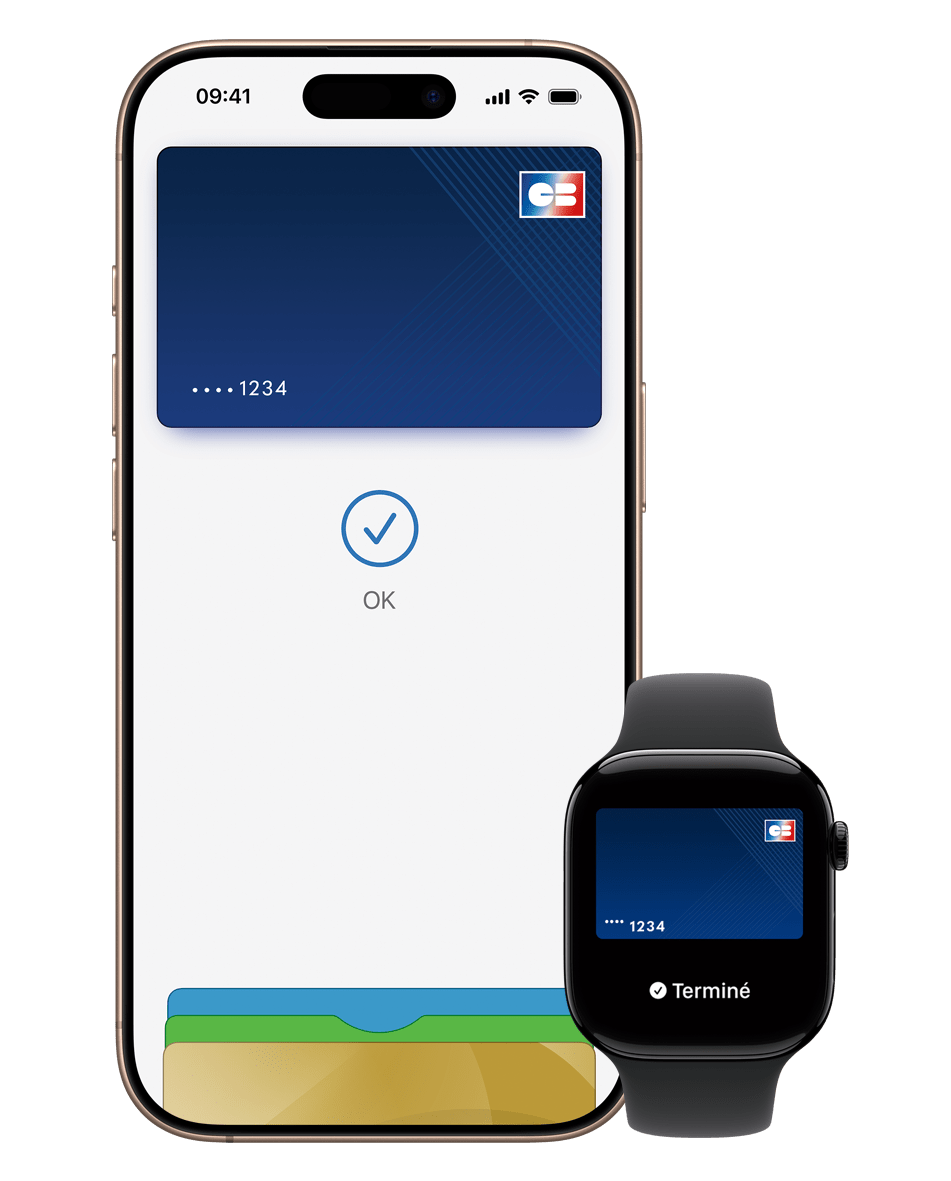
For issuers that offer this option, you can also request that your card be added directly from your banking app.
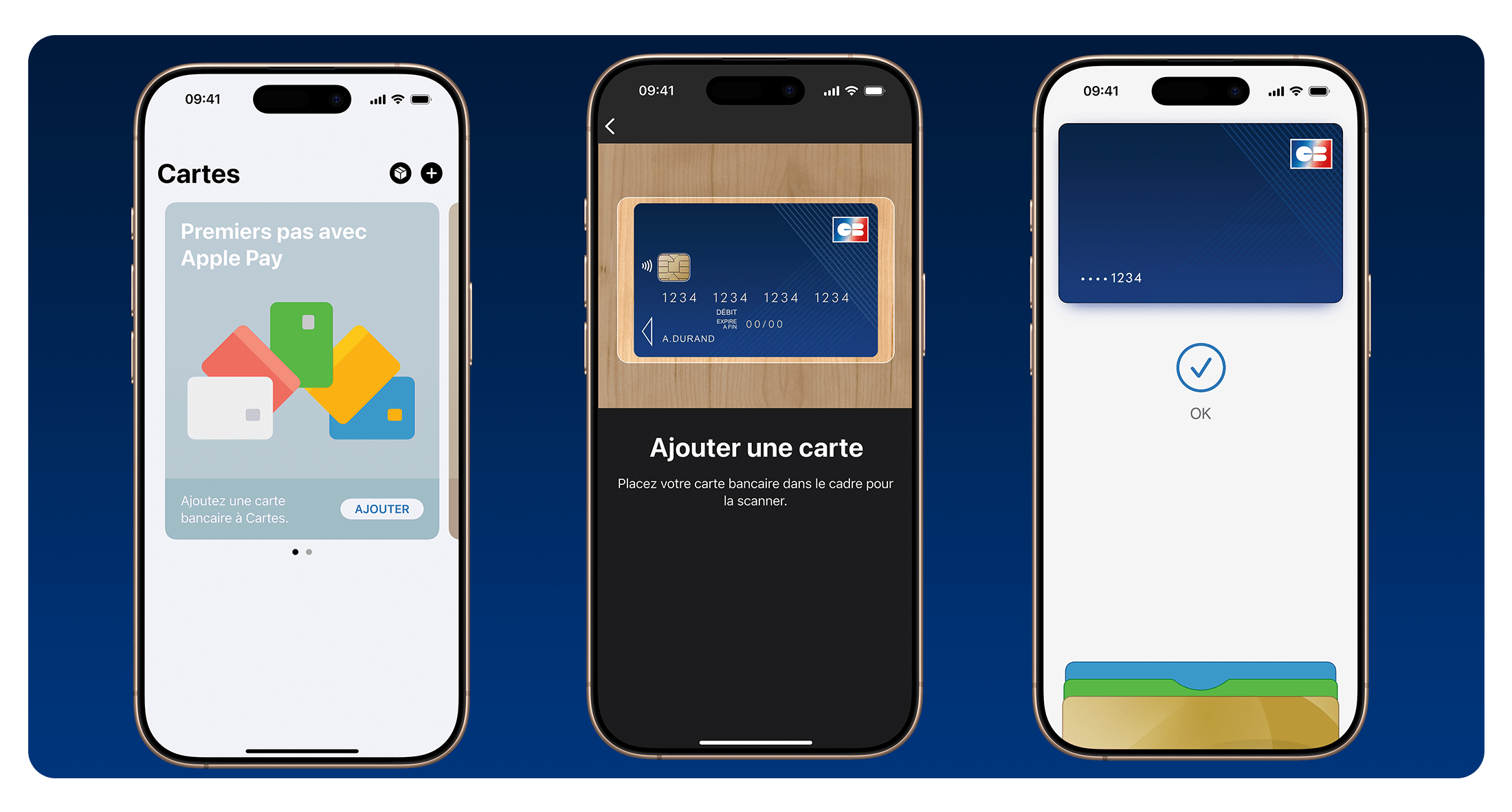
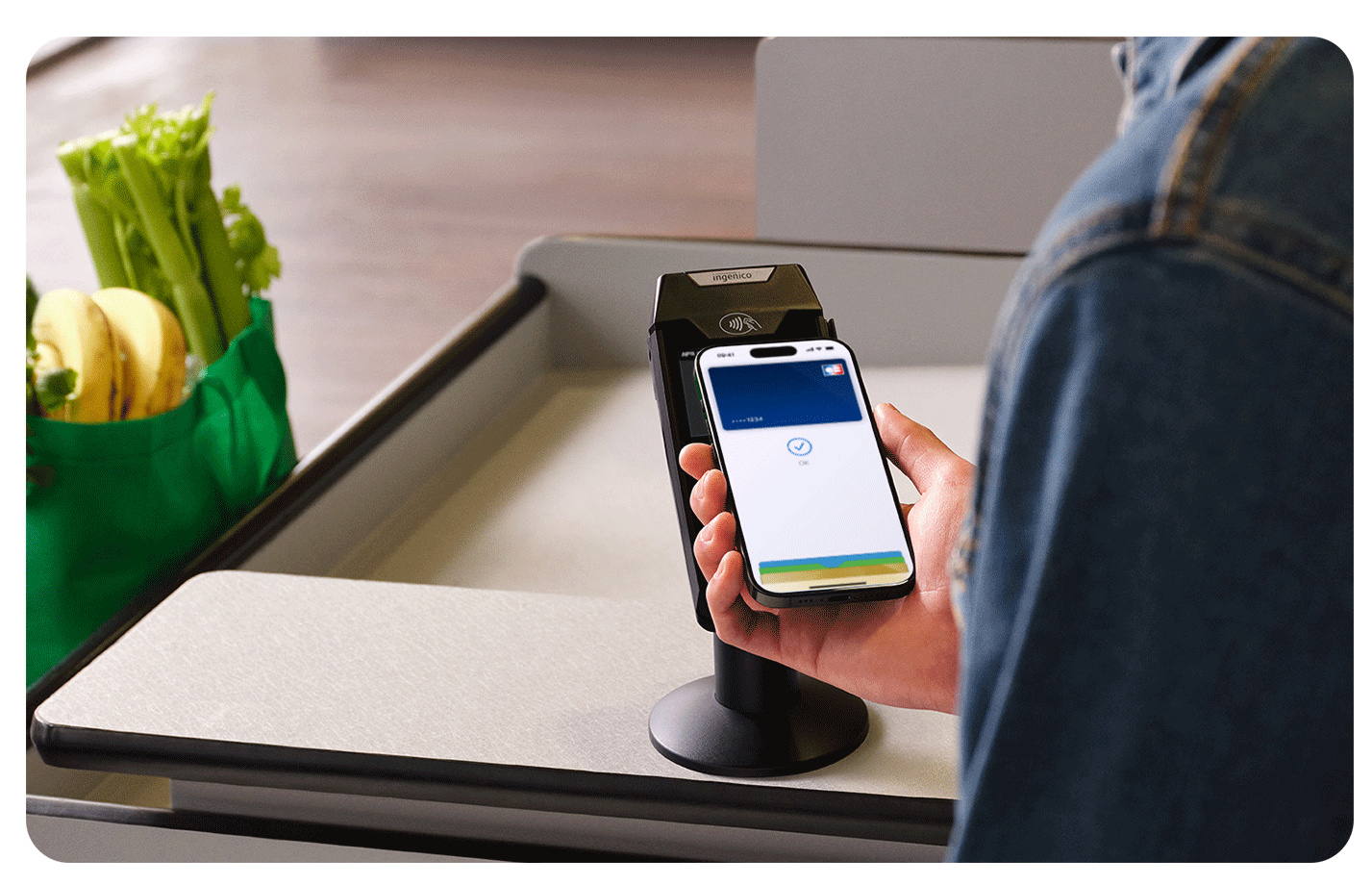
In-store with your iPhone:
1. Press the side button twice if your iPhone’s screen is locked or if you’re using one of your apps.
2. Authenticate using Face ID, Touch ID, or your passcode.
3. Hold your device close to the terminal.
4. That’s it!
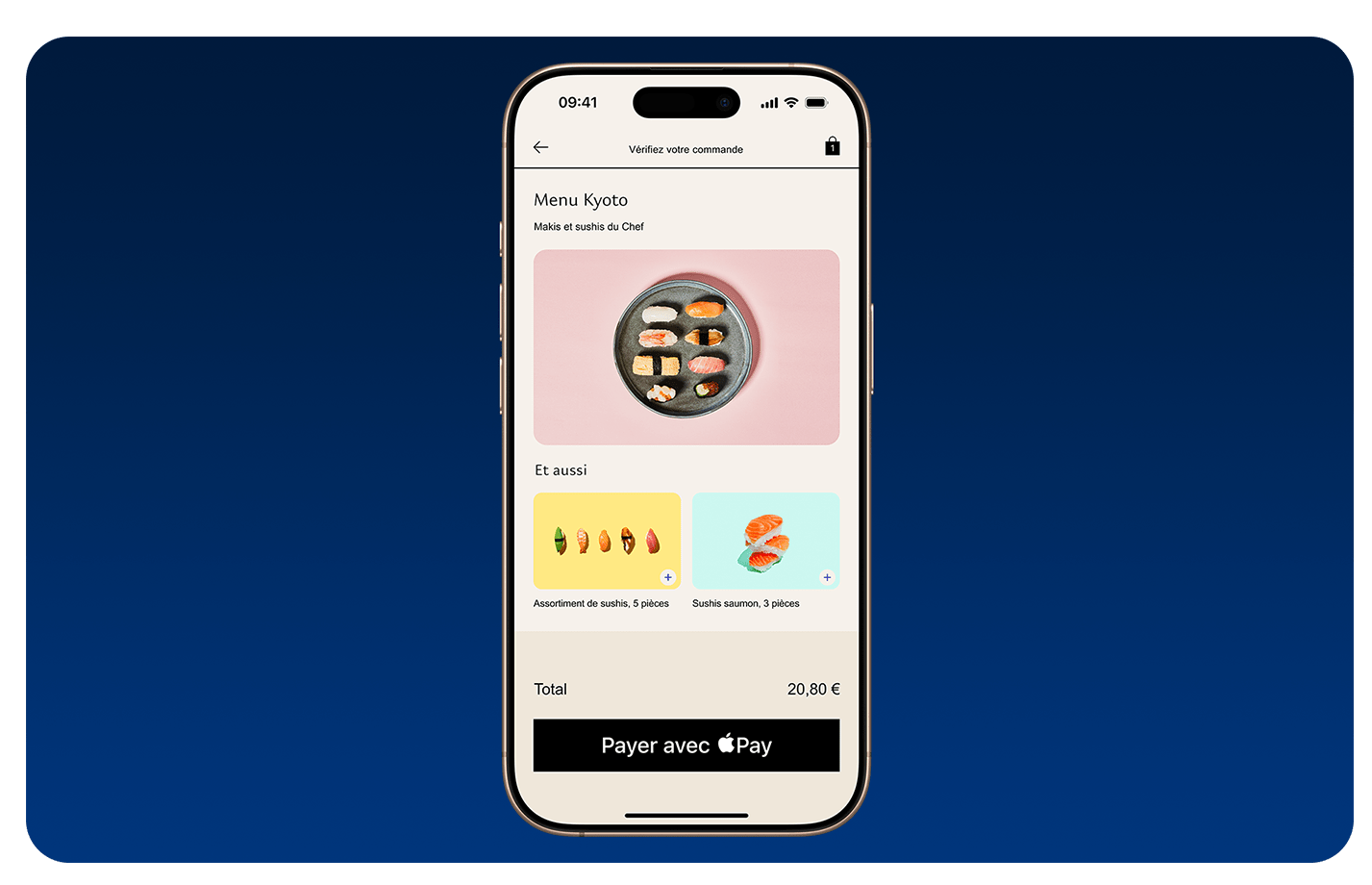

Online or in the apps:
1. Check for the “Apple Pay” button.
2. Tap it.
3. Confirm your information.
4. Authenticate using Face ID, Touch ID, or your passcode.
5. That’s it!
Whether you’re paying for your morning coffee or buying a new pair of sneakers, Apple Pay makes it easy to pay for your purchases. With Apple Pay you can easily pay for your everyday purchases with your CB card. Just look for the “Apple Pay” logo or the “contactless” symbol when you’re ready to pay.
Apple Pay uses the security features built into your Apple device.
Each payment requires authentication using Face ID, Touch ID, Optic ID, or your passcode, so that no one other than you can authorise payments with your CB card.
Les cartes CB des émetteurs suivant peuvent être ajoutées sur Apple Pay :
• BNPP / BPCE / CIC / Crédit Agricole / Crédit Mutuel / La Banque Postale / LCL / Pluxee / Société Générale
Restez connecté car CB proposera bientôt cette fonctionnalité avec d’autres émetteurs de cartes en France.
En magasin
• Les commerçants qui acceptent ce mode de paiement affichent le sticker « CB » et celui du « sans-contact ».

En ligne
• Les sites e-commerce qui acceptent Apple Pay sont repérables à leur bouton « Apple Pay» lors du choix de la méthode de paiement.
Pour toutes les transactions effectuées avec votre iPhone, Apple Watch, Mac ou iPad, vous devez vous authentifier avec Face ID, Touch ID ou votre code d’accès. Votre identité et votre numéro de carte bancaire ne sont jamais communiqués aux commerces ni stockés sur votre appareil ou sur les serveurs Apple.
Pour utiliser Apple Pay, il vous faut une carte prise en charge émise par un établissement participant. Pour vérifier si votre carte est compatible avec Apple Pay, contactez l’établissement émetteur.
Apple Pay n’est pas disponible dans tous les pays et régions.
Consultez la liste des pays et régions prenant en charge Apple Pay.
Les fonctionnalités sont sujettes à modification. La disponibilité des fonctionnalités, des applications et des services peut varier en fonction des régions et des langues. Du matériel et des logiciels spécifiques peuvent être requis. Pour plus d’informations, consultez la page Disponibilité des fonctionnalités.