


CB is now available on Google Wallet* through participating banks.
You can use Google Wallet to save your CB card.
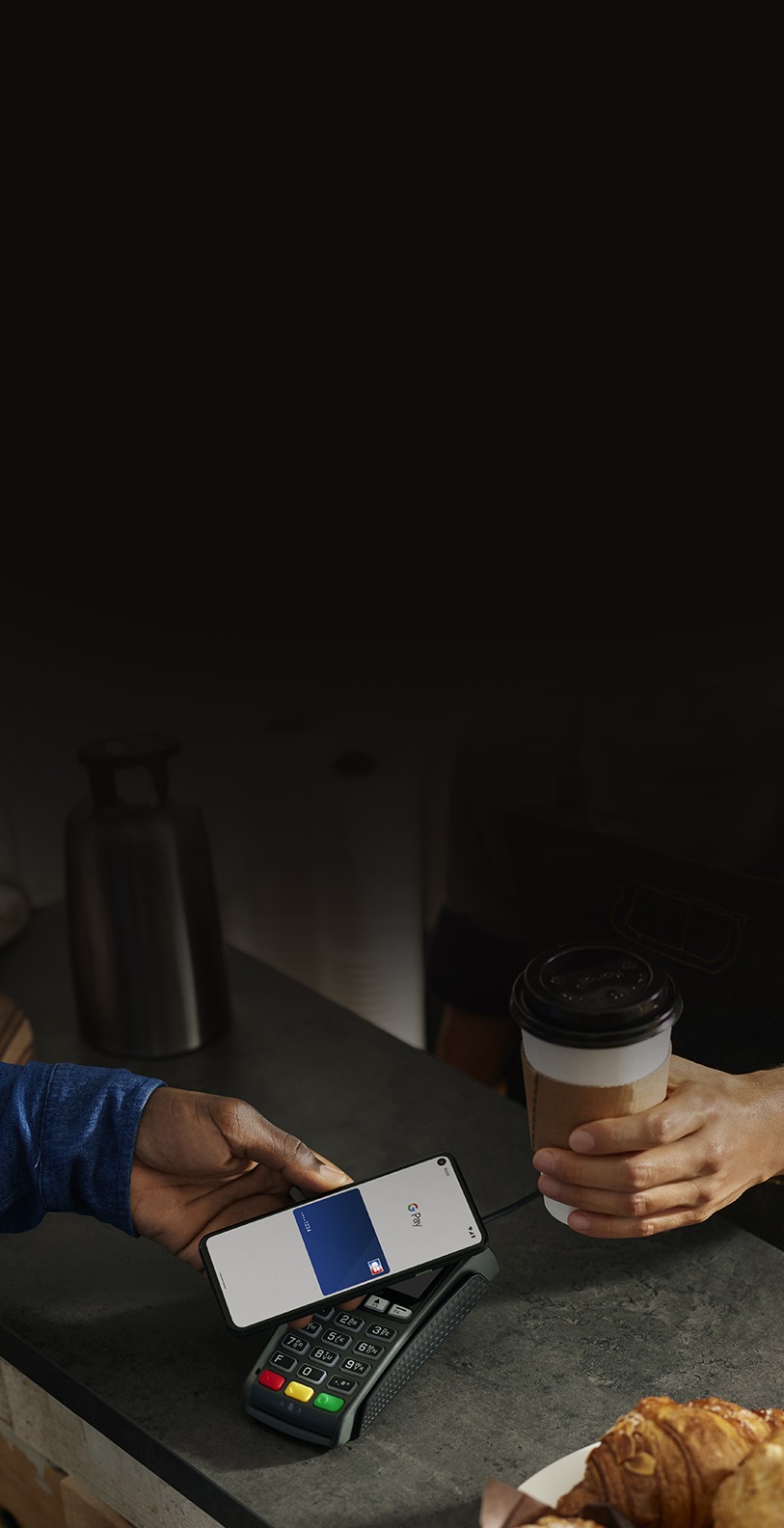
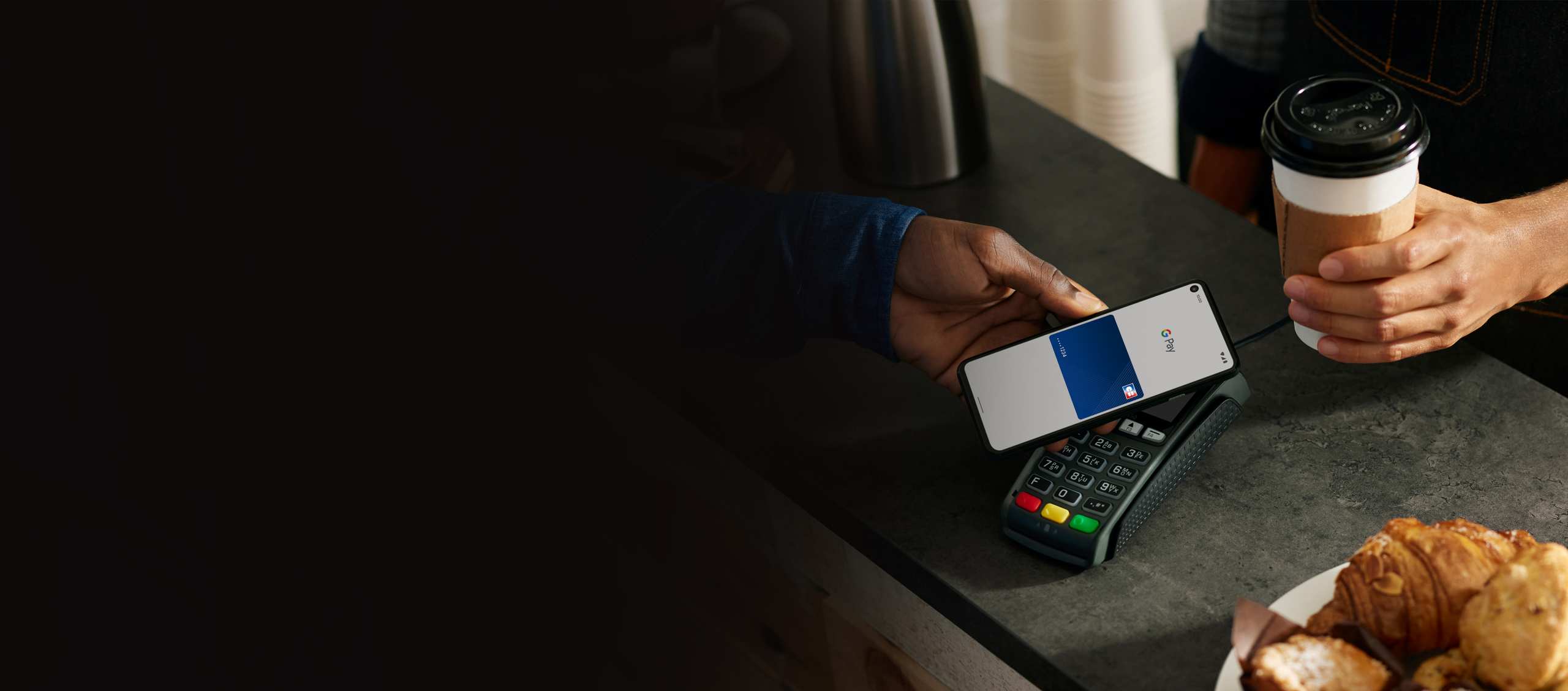
With a single tap, “Pay in France” using a CB card and Google Pay*, whether in-store or online.
This free service is available for download from compatible Android phones and smartwatches.
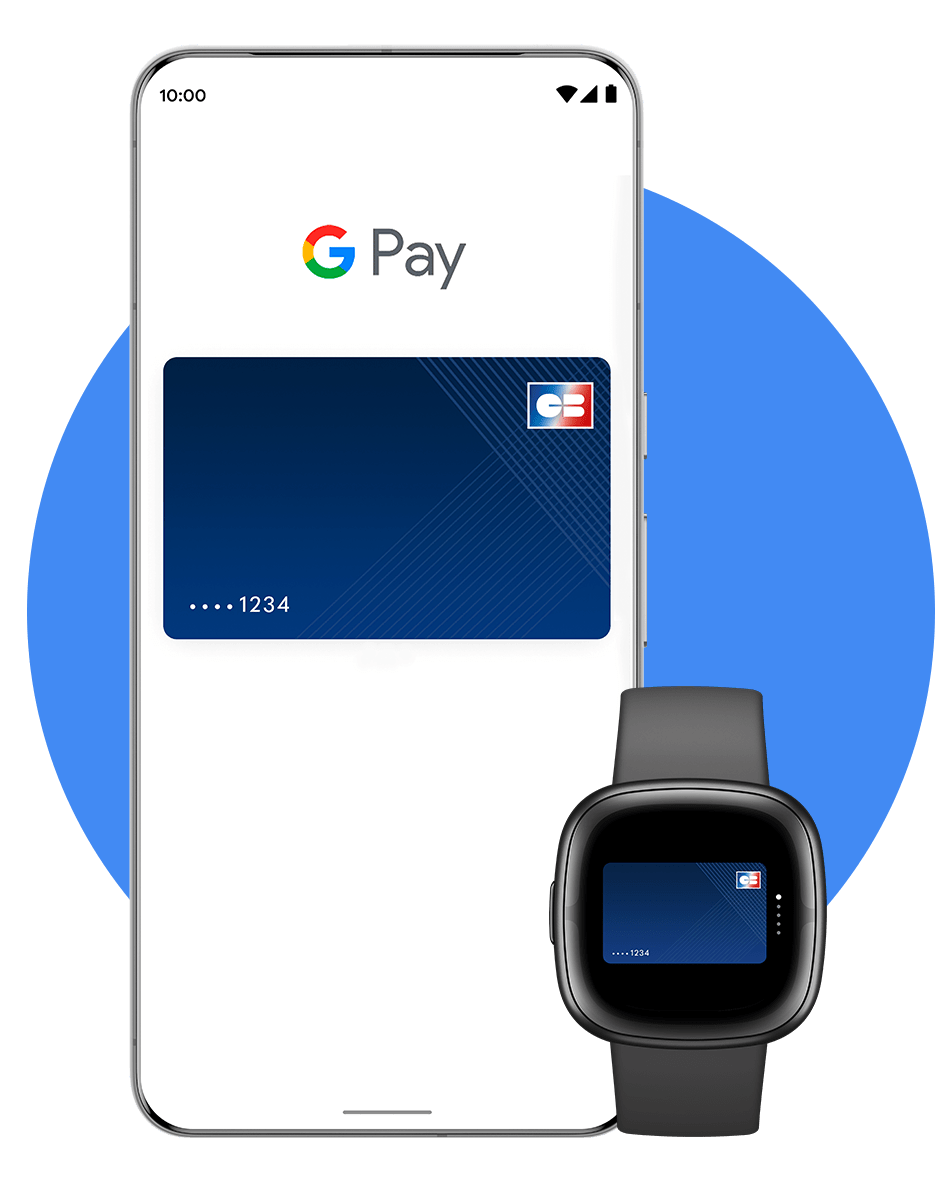
For issuers that offer this option, you can also request that your card be added directly through your banking app.
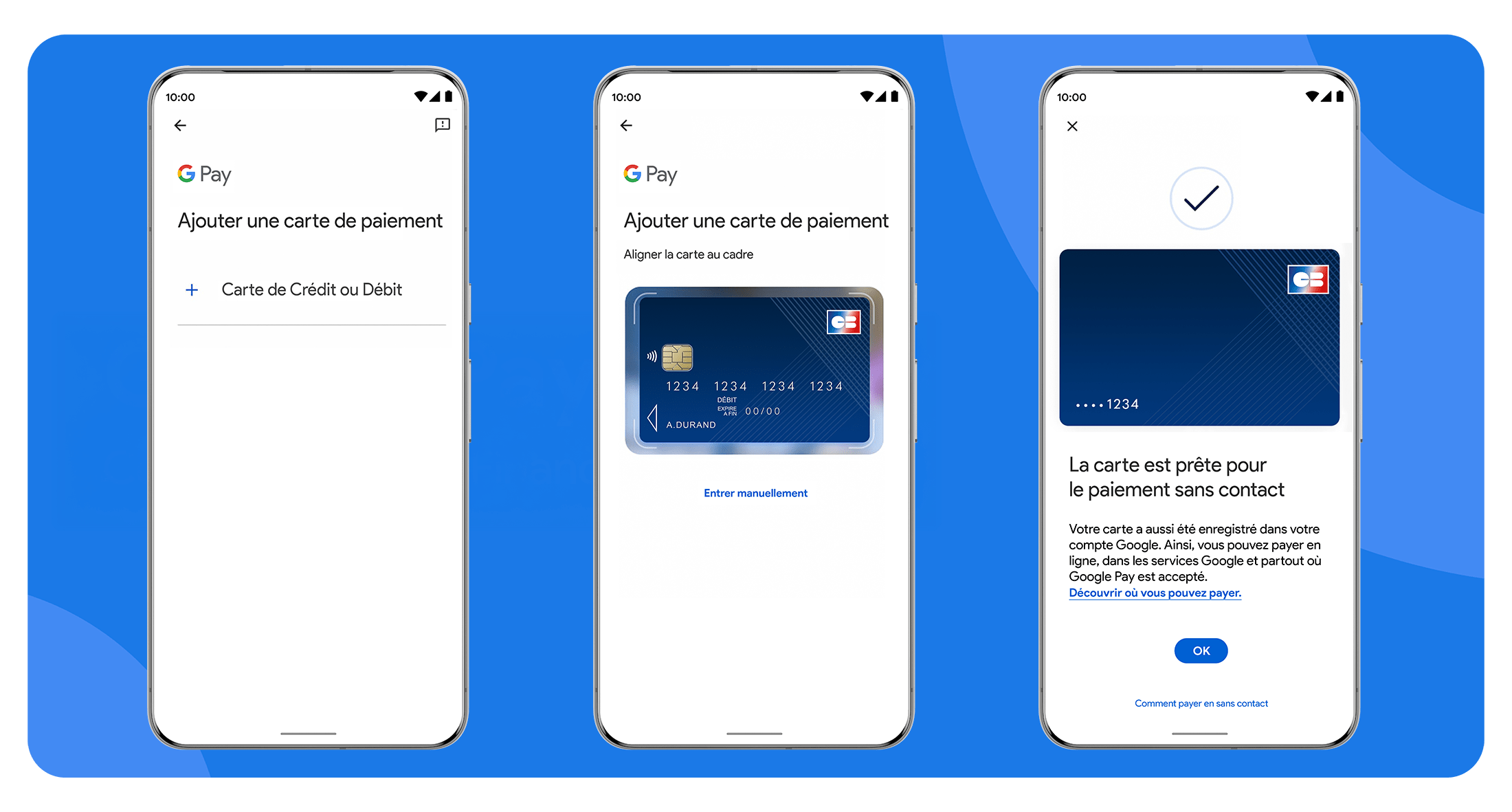
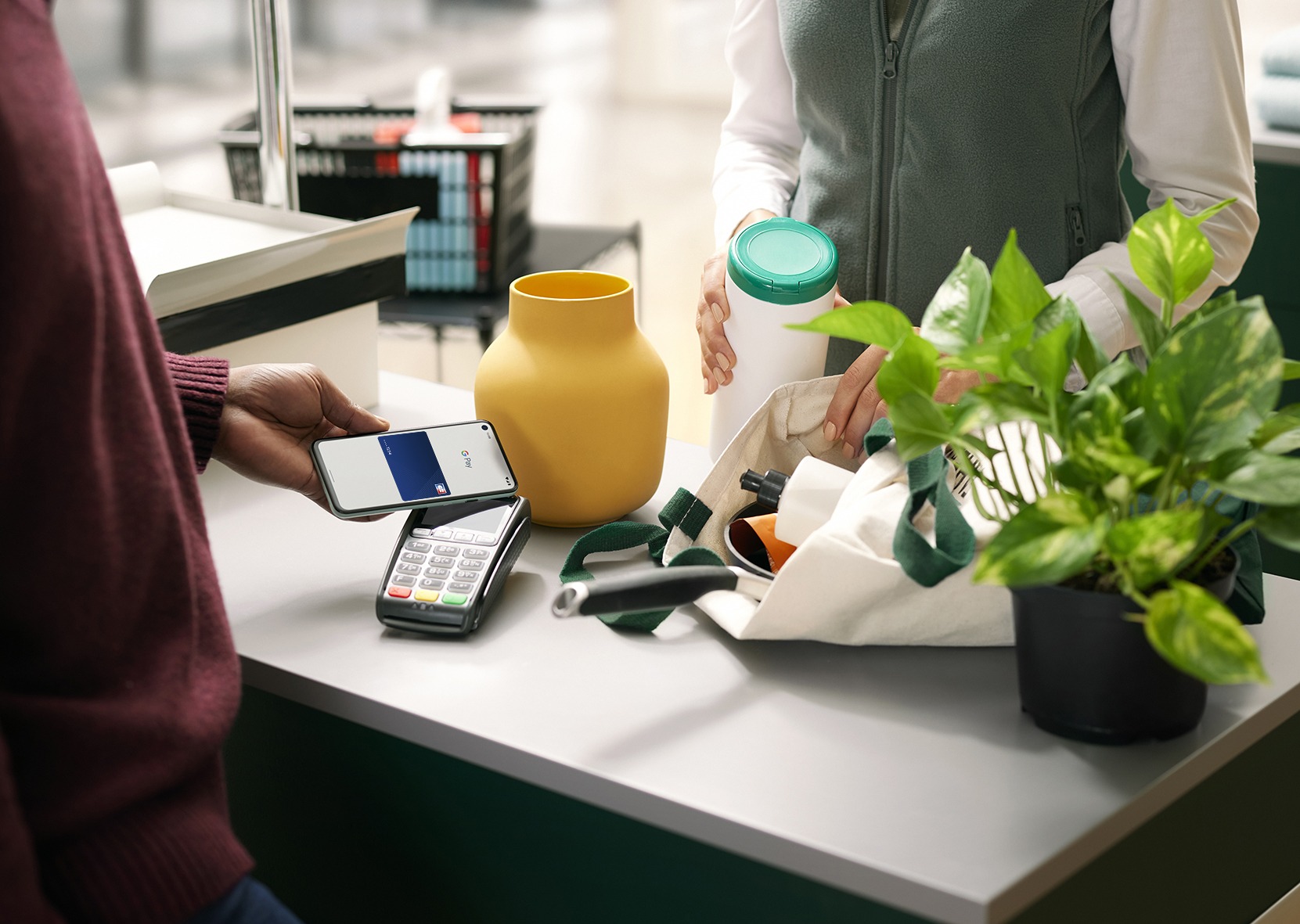
In-store:
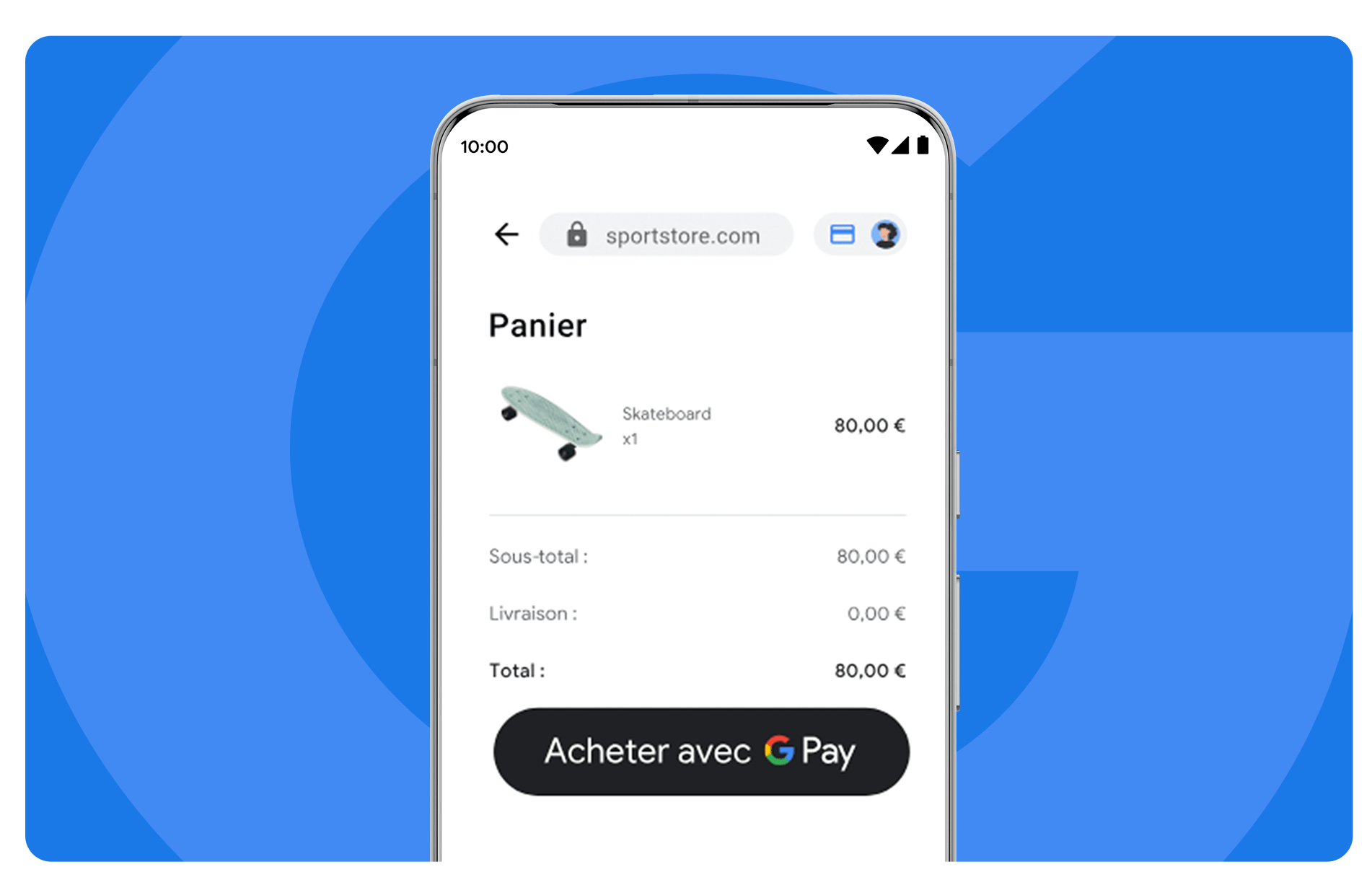
Online:
* Google Pay and Google Wallet are registered trademarks of Google LLC.
Google Wallet est compatible avec les smartphones sur Android 9.0 ou supérieur et les montres connectées sur Wear OS. Il faut cependant que votre téléphone/montre soit muni(e) de la fonctionnalité NFC (Near Field Communication) et qu’il/qu’elle soit activé(e) pour pouvoir effectuer un paiement sans contact en magasin.
Les cartes CB des émetteurs suivants peuvent être enregistrées sur Google Wallet :
– LCL / Pluxee
Restez connecté car CB proposera bientôt cette fonctionnalité avec d’autres émetteurs de cartes en France.
– En magasin :
Les commerçants qui acceptent ce mode de paiement affichent le sticker “CB” et celui du “sans-contact”

– En ligne
Les sites e-commerce qui acceptent Google Wallet sont repérables grâce au bouton « Acheter avec GPay » lors du choix de la méthode de paiement.
La sécurité et la confidentialité sont pleinement intégrées à Google Wallet pour protéger l’essentiel. Lorsque vous utilisez le paiement sans contact avec votre téléphone Android, Google Pay ne communique pas votre vrai numéro de carte au magasin. Vos informations de paiement sont donc protégées. Enfin, vos transactions nécessitent une authentification sur Android (biométrie, code PIN, mot de passe ou modèle).