

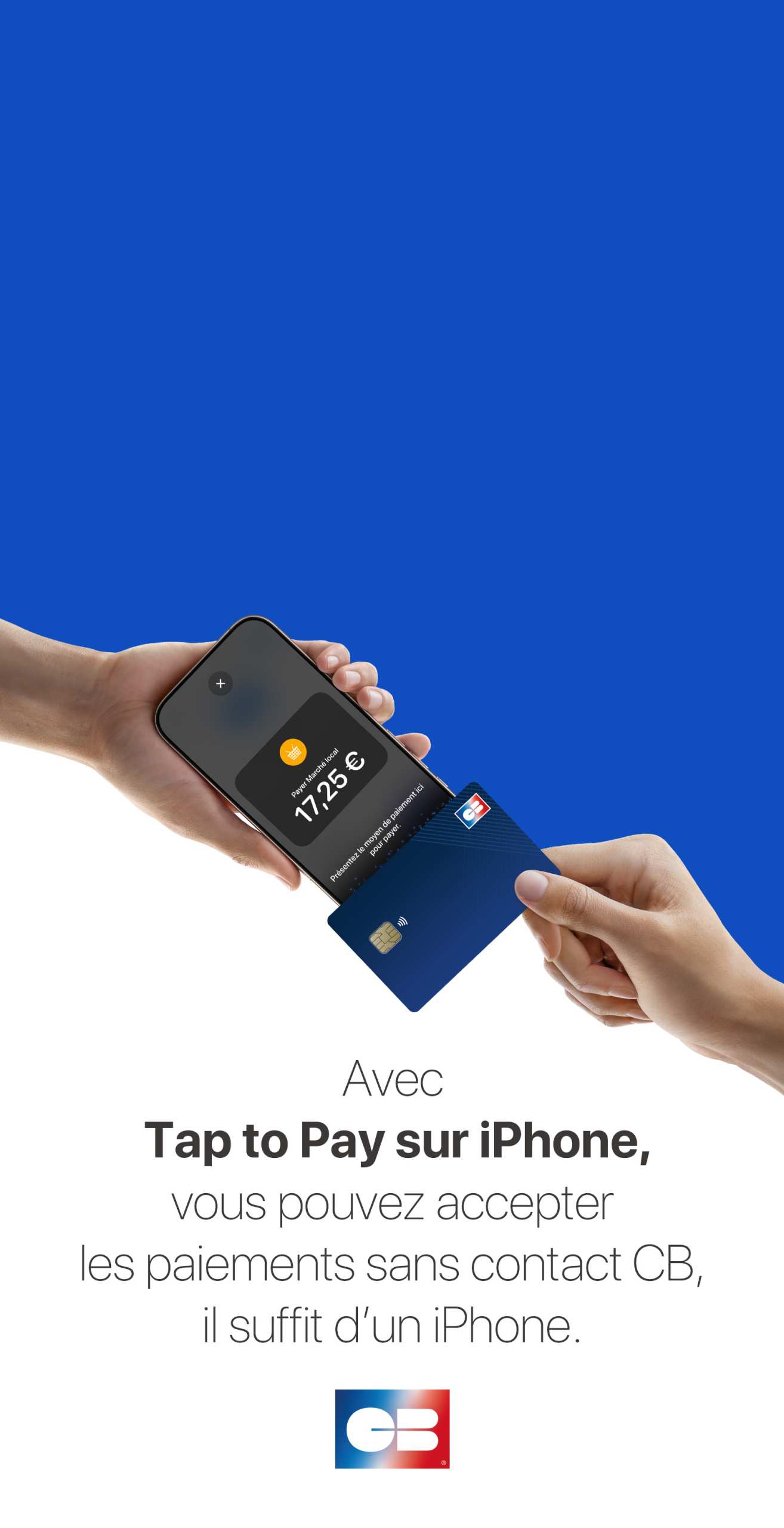
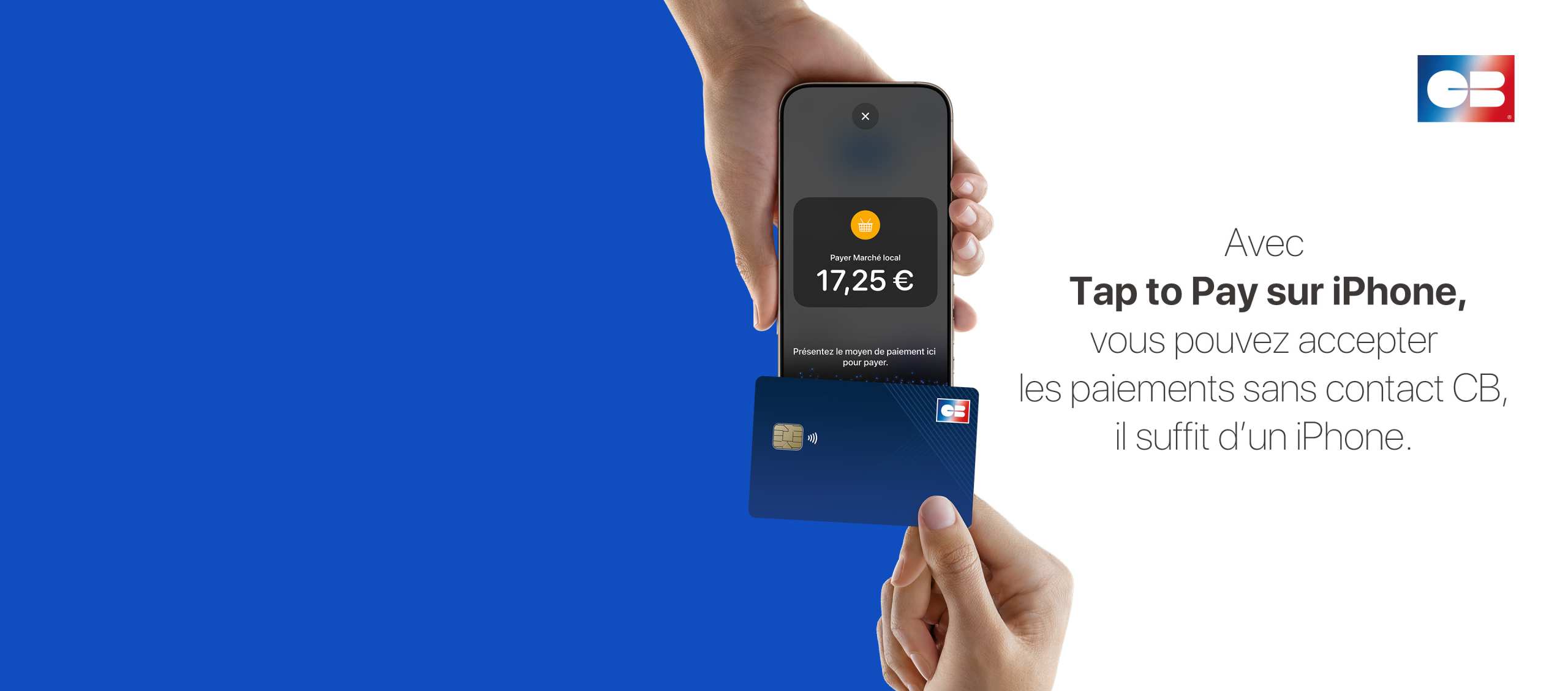

With Tap to Pay on iPhone and a CB-approved app, you can accept all types of in-person and contactless payments right on your iPhone. All you need is an iPhone.
It's easy, secure, and confidential.
To use Tap to Pay on your iPhone, simply download an approved CB app and sign up to start accepting contactless payments.
You can accept all types of in-person payments directly on your iPhone, whether they’re from bank cards, Apple Pay, or other digital wallets.
Tap to Pay on iPhone leverages the security and privacy features built into the iPhone to protect your business and customer data.
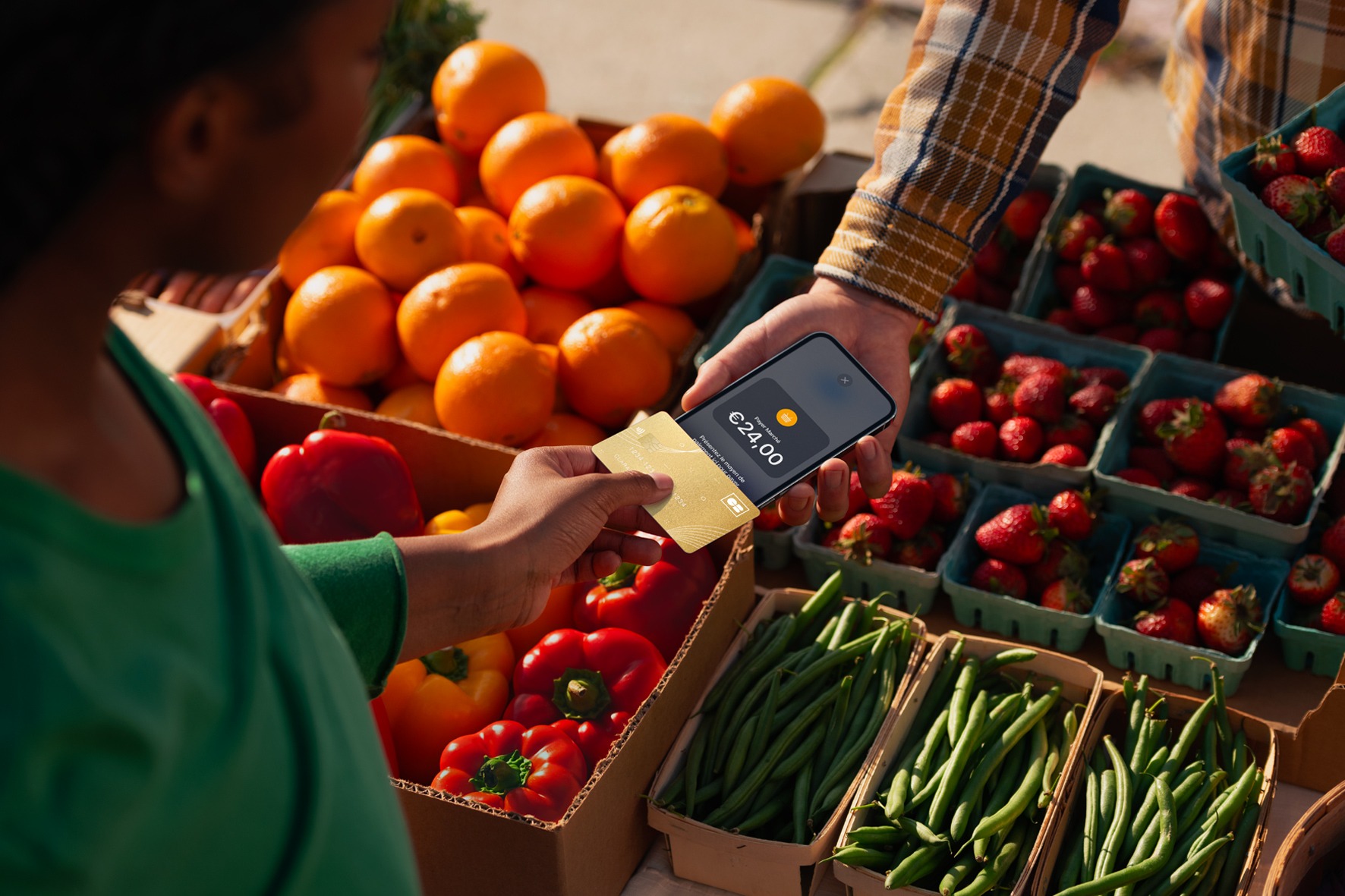
With Tap to Pay on iPhone, you can accept contactless CB payments — all you need is an iPhone.
1. Open a CB-approved app on your iPhone and enter the purchase amount.
2. Hold your iPhone up to the person who wants to pay.
3. The person must place their card or digital wallet horizontally on the top of your iPhone, above the contactless symbol.
4. Once the card has been read and the transaction initiated, a checkmark with the word “OK” will appear on the screen.
And that’s it!
Tap to Pay on iPhone requires a compatible payment app and the latest version of iOS. To update to the latest version, go to Settings > General > Software Update. Tap Download and Install. Some contactless cards may not be accepted by your payment app. Transaction limits may apply. The contactless symbol is a registered trademark owned and used under licence by EMVCo, LLC. Tap to Pay on iPhone is not available in all countries and regions. List of countries and regions where Tap to Pay is available: https://developer.apple.com/tap-to-pay/regions/.
Et c’est réglé !
Il peut payer de la même façon qu’il utilise aujourd’hui le sans contact : il est possible de payer avec une carte bancaire, un mobile ou encore sa montre connectée.
Tap to Pay sur iPhone exploite les fonctionnalités de sécurité et de confidentialité intégrées à l’iPhone pour protéger les données de votre entreprise et de vos clients. Lors du traitement d’un paiement, le code et les numéros de carte ne sont jamais sauvegardés sur l’appareil ou sur les serveurs Apple. Vous pouvez avoir l’esprit tranquille, vos affaires ne regardent que vous.
Quand Tap to Pay sur iPhone est en cours d’utilisation, toutes les fonctionnalités d’enregistrement de photos, de vidéos et de captures d’écran sont suspendues sur l’iPhone de l’organisme vendeur, garantissant au client ou à la cliente que son numéro ou son code de carte ne peuvent pas être capturés. De plus, les apps actives en arrière-plan sont temporairement bloquées afin d’empêcher le suivi des numéros lorsqu’une personne saisit son code de carte sur l’iPhone de l’organisme vendeur.